The built-in apps
For: Anyone with a calculator, and app makers who learn by reading code.
Every calculator comes with these apps. Each one is a small Clojure program, and you can open its code in the Workbench, change it, and share your own version.
On the calculator, press SHIFT then C in any of these apps to see its keys. On the site, Play it opens the app in the simulator, and Read its code opens it in the Workbench as a copy you can change.
Games
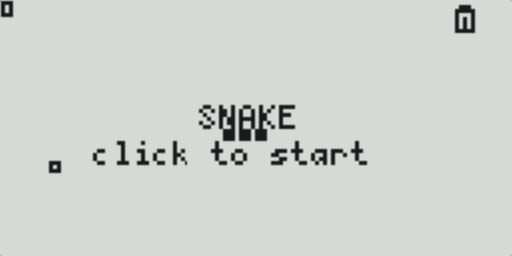
Snake
The classic, squeezed onto 200 × 120 pixels. Turn with the wheel or ( and ).
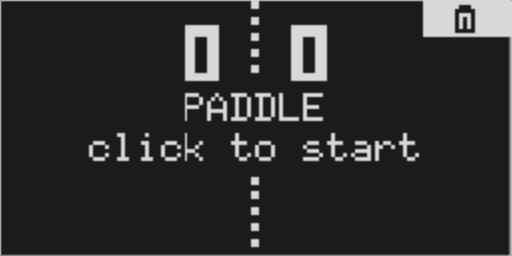
PaddleTwo players
A paddle and a ball. Play the calculator, or a friend on the same one: the left wheel is one paddle, the right wheel the other.
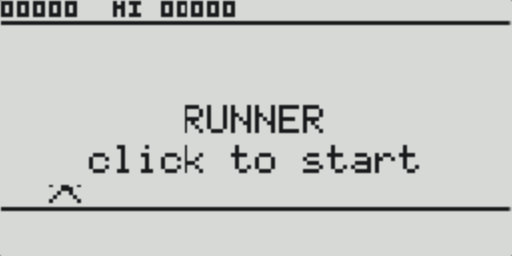
RunnerOne button
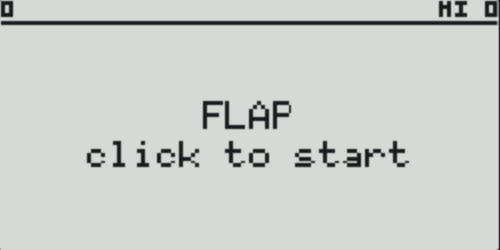
Jump the cacti and beat your best distance. Press any key to hop.
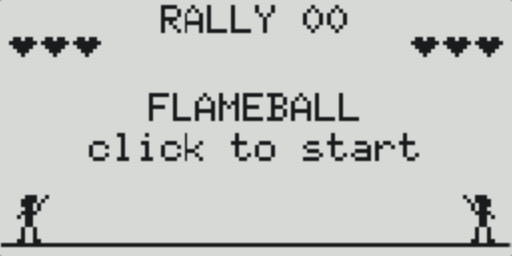

Rock Paper ScissorsTwo players
Best of five, for two. Play the calculator (it does not cheat).
Slipstream
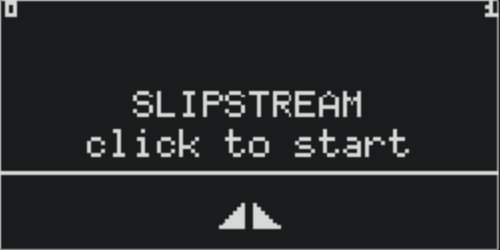
Fly a field of blocks and miss every one. Steer with the keys on each side; the wheel nudges.
Tools
Resistor
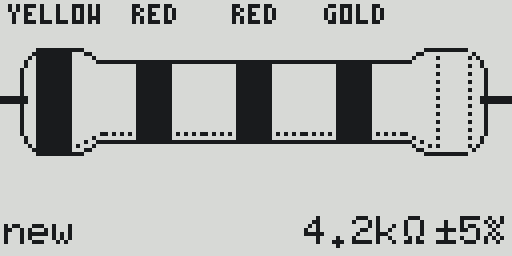
Turn the wheel to each band's color and read the ohms. Scroll up for the ones you checked before.
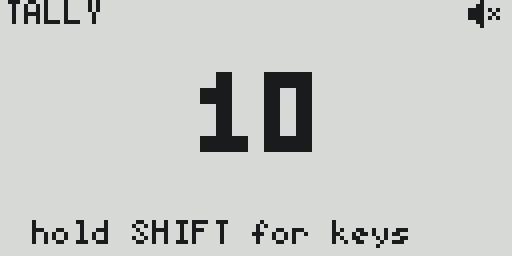
Tally
Turn a wheel or press + and - to count. Click twice to reset, SHIFT then DEL to undo. It remembers the count.
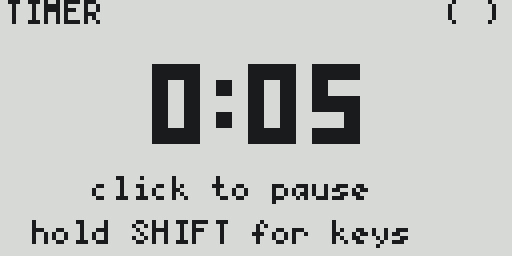
Timer
Type 1 3 0 for a minute and a half, or turn for minutes, and click. At zero a little tune plays until you press any key. ( and ) bring the stopwatch and a Pomodoro.
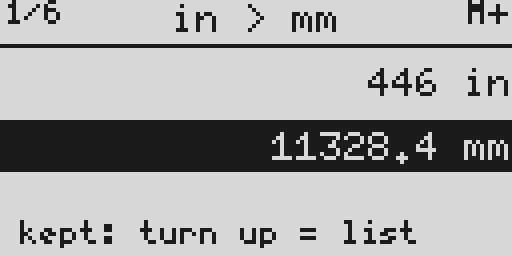
Converter
Type a number and read it on the other side: mm and inches, meters and feet, km and miles, F and C, ml and cups, and wire gauge. SPC swaps the sides. Click keeps an answer.
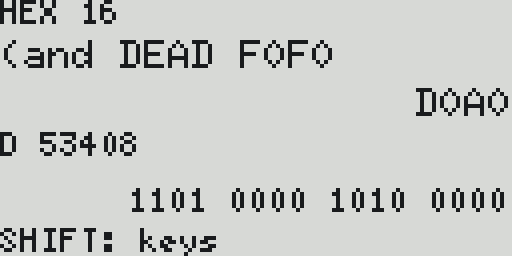
Bits
A programmer's calculator in Lisp: (and DEAD F0F0) gives D0A0. In hex the right-hand keys type A to F. Turn to walk the bits and click to flip one. C and V light when a word carries or overflows.
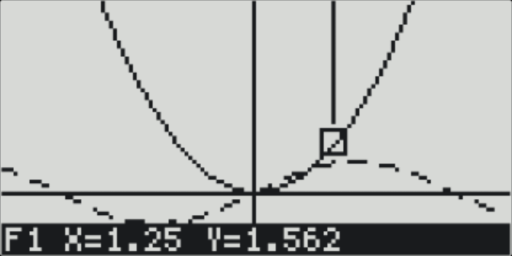
Plot
Plot x², sin x and friends on the calculator's screen. The left wheel moves along the curve, the right wheel zooms in on it. Find a root, a minimum or a maximum between two clicks.
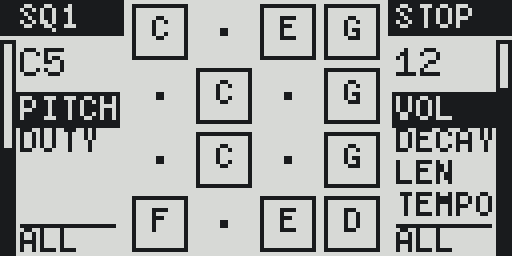
Steps
Four voices, 16 steps each. The keys are the steps and the wheels are knobs: hold a step and turn to change its note, or turn with nothing held to change the whole voice while it plays. Each voice loops at its own length.
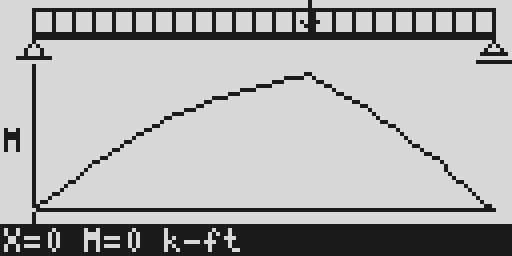
Beam
A beam calculator for the field and the desk. Pick the supports (simple, cantilever, fixed or overhang), a steel or timber section, and point, distributed and moment loads. Read the reactions, the shear, moment and deflection diagrams and the largest values, in kip and ft or kN and m. Checked against the textbook formulas.
Make your own
Every app here started as a file like the one in Your first app. Read one that is close to what you want, then remix it.